
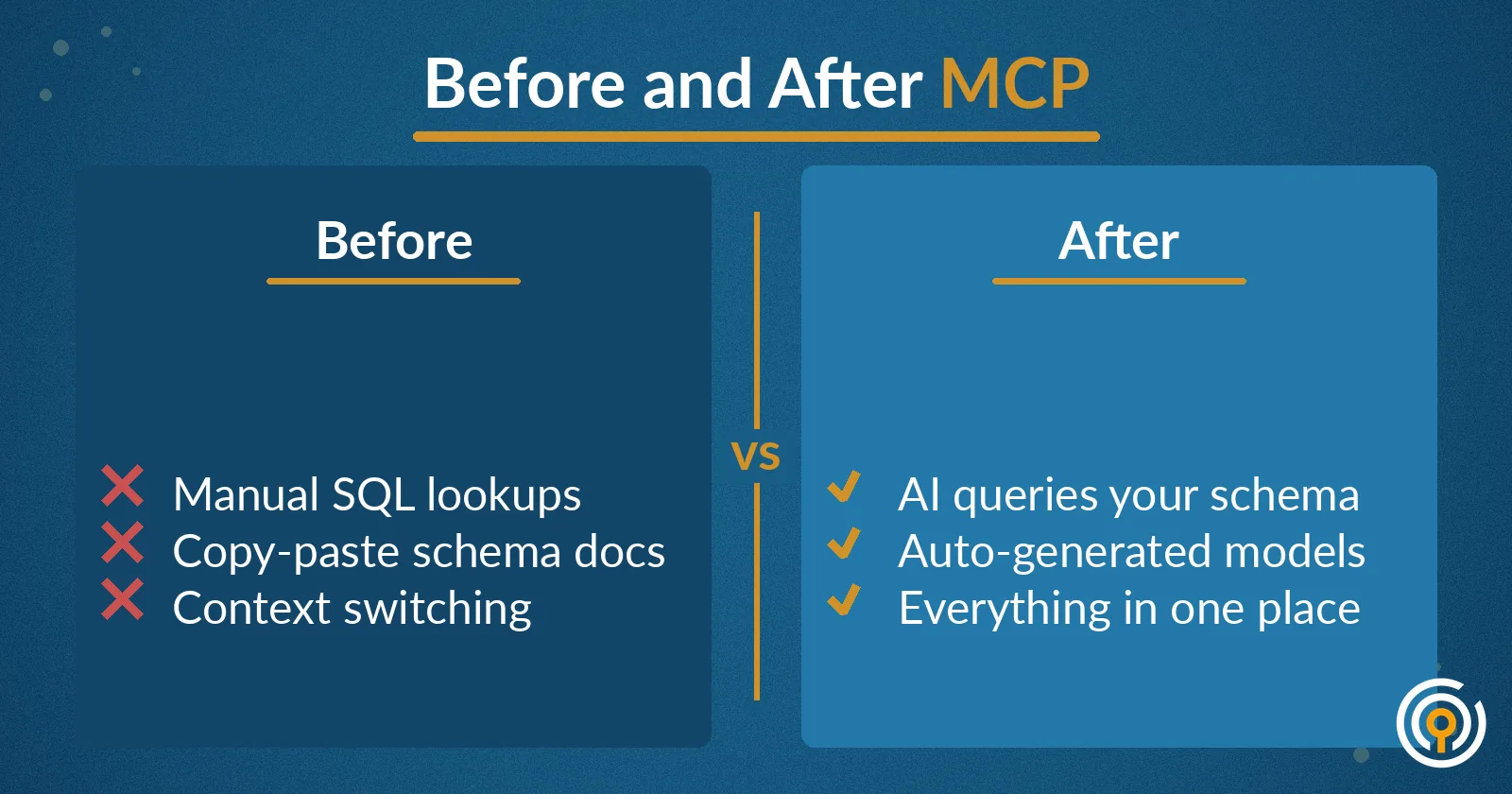
You know the drill: you're deep in a Python analysis when you need to write a quick SQL query. Switch to your database client. Remember that table name? Check the schema. What were those column names again? Back to another tool. Now you want GitHub Copilot to help, but it suggests generic table names because it has no idea what your actual data looks like.
Context-switching kills productivity. Even worse, the AI tools that should speed up your work end up slowing you down because they're operating blind to your real data structure.
One Browser Tab, Everything Connected
Civis Studio solves this by bringing everything into a single browser-based environment. Think VS Code in your browser — same interface, same extensions, same keyboard shortcuts you already know. But with zero local setup required.
Just open a tab and start coding. Your files, your Git repos, your data warehouse connections — all ready to go. No Python environment conflicts, no "works on my machine" problems, no waiting for IT to provision a development server.
The real power comes from integration. Studio isn't just another IDE; it's an IDE that knows your data.
AI That Actually Knows Your Data Schema
Here's where Studio gets interesting: Model Context Protocol (MCP) integration. Instead of generic AI suggestions, Civis Studio's AI copilot has direct access to your warehouse schemas, table structures, and column names.
When you ask the AI to "write a query to find our top donors from California," it doesn't hallucinate table names or suggest generic columns. It knows you have a donors table with state_code and total_giving columns. It understands your foreign key relationships and can suggest accurate joins between your events and attendees tables.
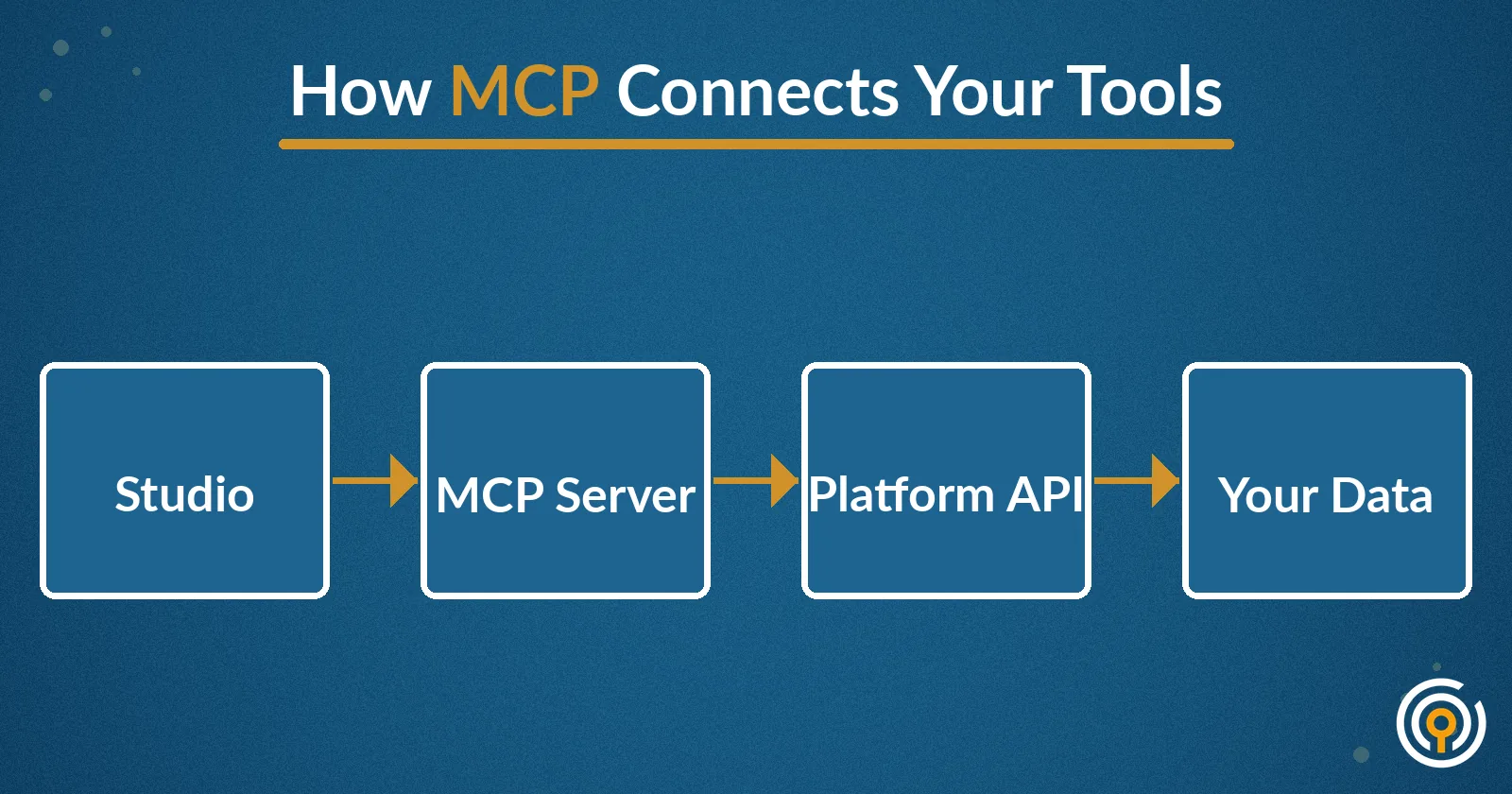
MCP creates a bridge between large language models and your actual data infrastructure. The AI assistant gets real-time context about your warehouse structure, making every suggestion relevant and executable.
GitHub Copilot Chat: Ask Questions, Get Real Answers
The combination of GitHub Copilot Chat and MCP integration transforms how you interact with your data. Instead of writing SQL from scratch or guessing at table relationships, you can ask natural language questions and get contextually accurate code.
Try these queries in Studio:
- "Show me donation trends by month for the last year"
- "Join our voter file with survey responses and filter for likely supporters"
- "Create a cohort analysis of email subscribers by acquisition date"
The AI doesn't just understand SQL syntax — it understands your specific database. Column names are correct. Join conditions are accurate. Data types match your actual schema.
Watch this Studio demo to see MCP and Copilot Chat in action:
Ryan Jewell demonstrates how Civis Studio's AI integration speeds up data analysis workflows
How Does MCP Actually Work?
Model Context Protocol is an open standard that allows AI models to securely connect to external data sources and tools. In Studio, MCP creates a live connection between GitHub Copilot and your Civis Platform warehouse.
When you start a conversation with the AI, it can query your schema in real-time. It sees your table names, column types, relationships, and even sample data (where appropriate). This context gets passed to the language model alongside your question, resulting in suggestions that actually work with your data.
The protocol is designed with security in mind. Your actual data never leaves your environment — only schema metadata and structure information gets shared with the AI model.
Why Browser-Based Matters
Beyond the AI integration, Studio's browser-based approach solves practical problems that data teams face every day:
- No environment setup: Junior analysts can start contributing immediately
- Consistent tooling: Everyone works in the same environment regardless of their local machine
- Built-in collaboration: Share notebooks, review code, and debug together without complex screen-sharing
- Integrated workflows: Your code, data, and deployment pipeline live in one connected system
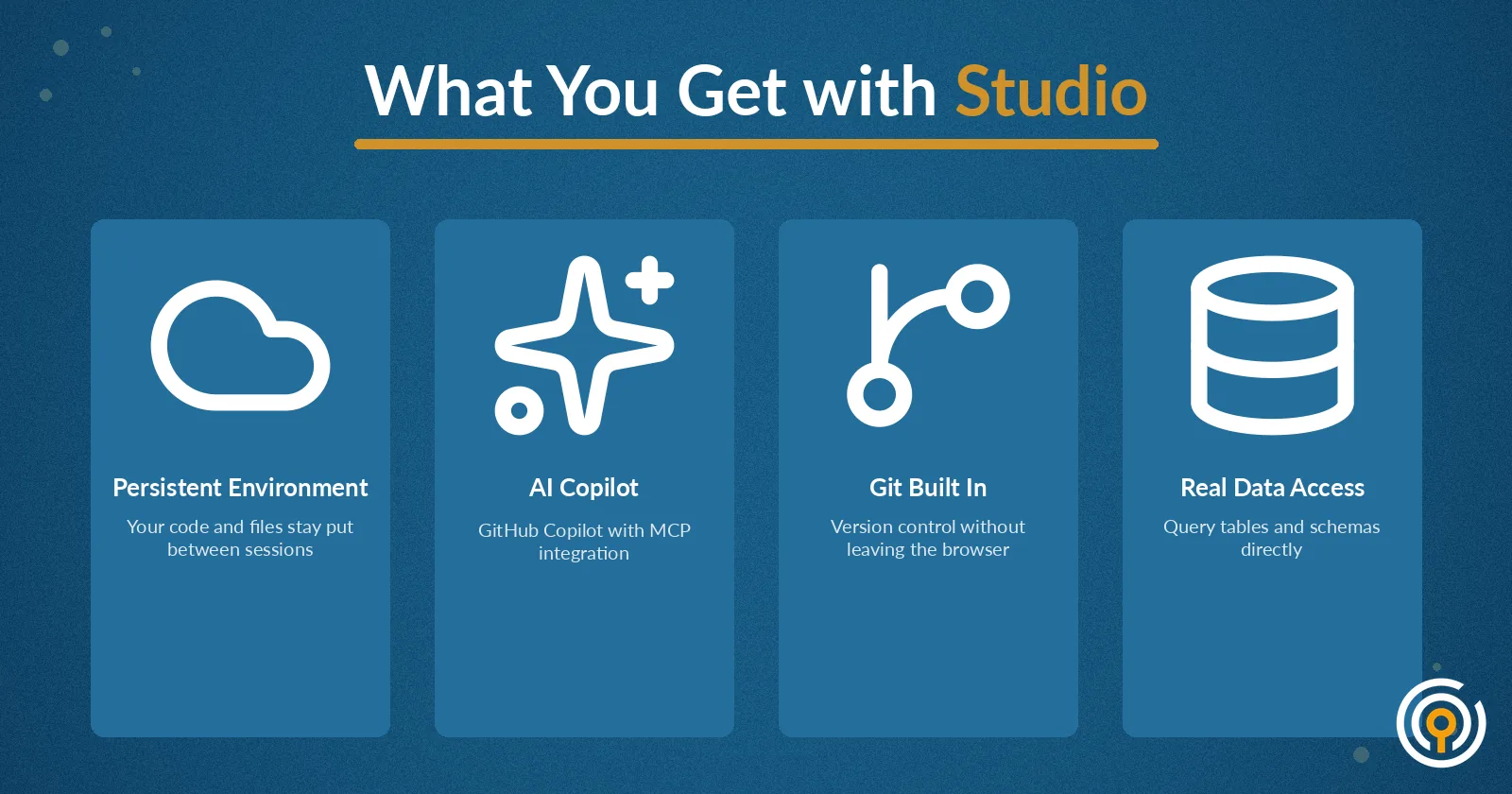
For teams using dbt with Civis Platform, Studio becomes your complete development environment. Write dbt models, test transformations, and deploy to production — all without leaving your browser tab.
Getting Started with Studio
If your organization is already using Civis Platform, Studio is available now as part of your subscription. Log into your Civis account and look for the Studio option in your workspace.
New to Civis? Studio is included in all Platform tiers, along with our managed data warehouse and ELT connectors. Schedule a demo to see how Studio can streamline your team's data workflows.
For existing customers, learn more about Civis Studio and how to get the most out of your AI-assisted development environment.